How to Create an Amazon Storefront in 2026
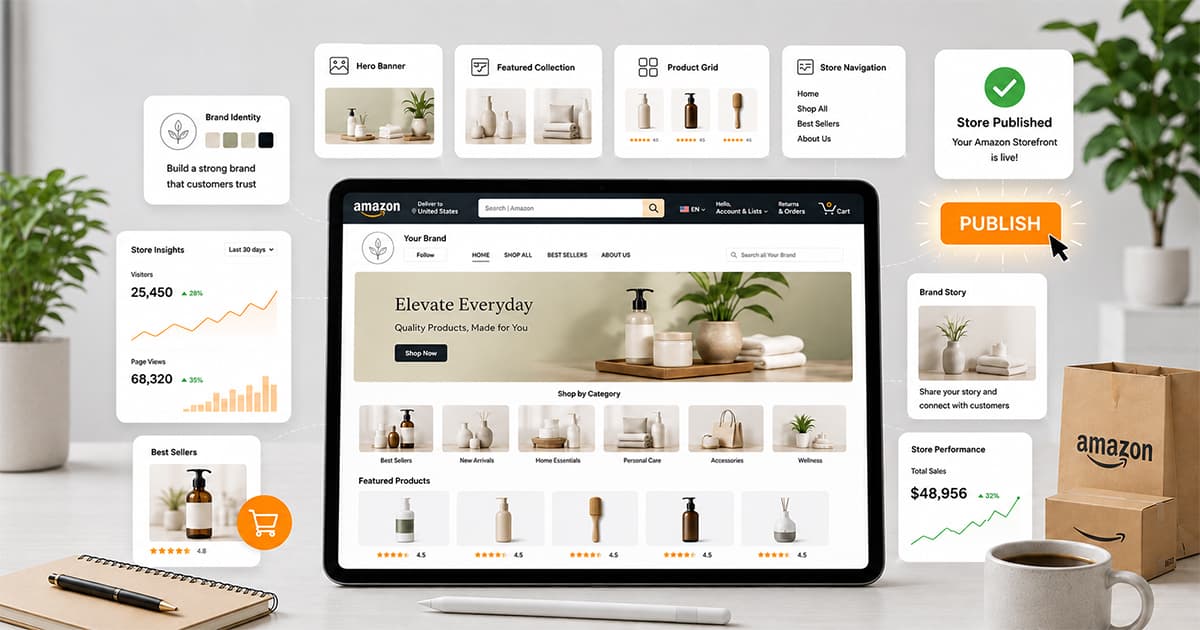
An Amazon Storefront is a free, multi-page brand destination on Amazon, available to any brand enrolled in Brand Registry. You build it inside Seller Central using drag-and-drop templates — no coding required — and it typically goes live within 24–48 hours of submission. Below is the exact setup process, plus the design and SEO choices that actually move the needle on conversion.
What Is an Amazon Storefront?
An Amazon Storefront is a dedicated, multi-page section of Amazon — accessible at your own amazon.com/yourbrand URL — where you can showcase your full product catalog, tell your brand story, and create a more immersive shopping experience than a standard product listing allows.
Think of it as a small branded website that lives inside Amazon. Customers can land there from a sponsored ad, a Google search, your social media, or a QR code on packaging, and instead of seeing just one product, they see your entire catalog organized the way you want it presented.
Why It's Worth Setting Up
It's free. Any brand enrolled in Amazon Brand Registry can build one at no additional cost.
It increases dwell time, and dwell time correlates with sales. Amazon's own data shows that the longer a shopper spends browsing your store, the more likely they are to purchase within 3, 6, and 12 months. A well-built storefront keeps people browsing longer than a single product page ever could.
It's a landing page for every other marketing channel you run. Sponsored Brands ads, social media posts, influencer links, and even off-Amazon traffic can all point to your storefront instead of a single SKU, letting shoppers discover more of your catalog from one click.
It unlocks Brand Tailored Promotions and Posts. Both are free tools available only to brands with an active storefront, and both are built specifically to drive repeat purchases and follower growth.
What You Need Before You Start
A professional Amazon Seller account. — If you're unsure how to create an Amazon Seller account, our Amazon Seller Account Management Service can help. We handle every aspect of Amazon seller account setup and management, including account creation, product listings, optimization, and other essential marketplace activities. Our goal is to help you increase your sales, grow your business, and maximize your revenue on Amazon.
Brand Registry enrollment — Amazon Brand Registry requires a valid registered or eligible trademark in your selling region, making it an essential step before you can create an Amazon Storefront and access advanced brand protection and marketing tools. If you need assistance, our Amazon Brand Registry service takes care of the entire enrollment process, ensuring a smooth and hassle-free experience so you can protect your brand, unlock exclusive Amazon features, and focus on growing your sales.
Products correctly categorized under your brand in Amazon's catalog.
Brand assets ready to go — logo (minimum 400×400px), a hero image (minimum 3000×600px), lifestyle photography, and any video content you plan to use.
If you're not yet enrolled in Brand Registry, that's the first step — not the storefront itself. Our Amazon Brand Registry guide walks through that process separately.
Step-by-Step: Building Your Amazon Storefront\
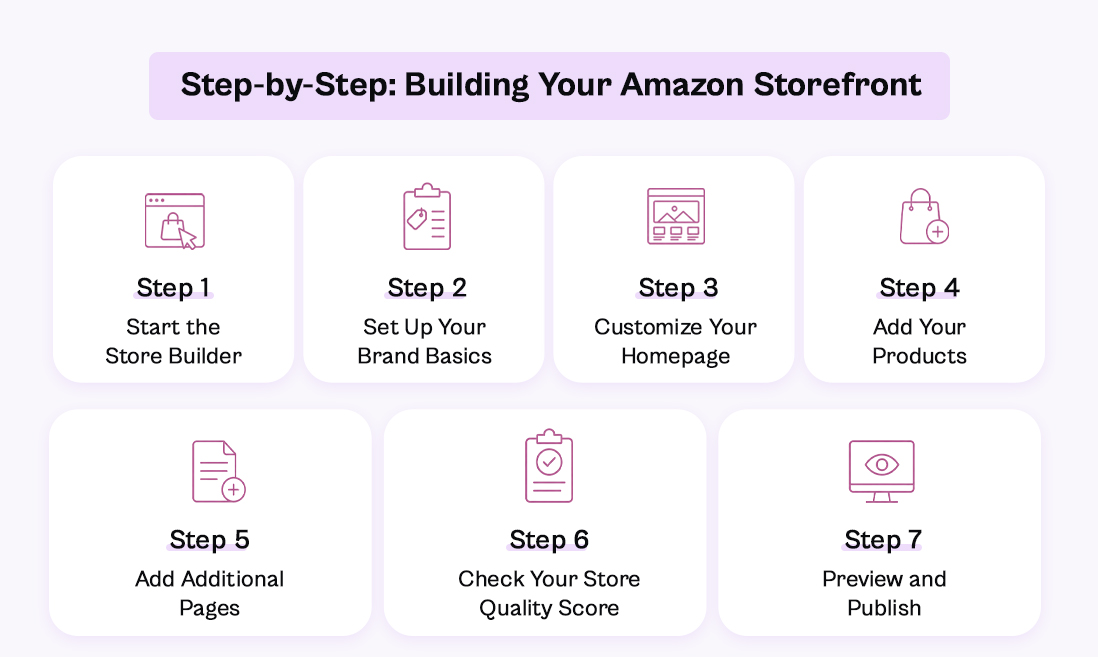
Step 1: Start the Store Builder
Log into Seller Central, go to Menu → Stores → Manage Stores, then click Create Store. You can also reach the same builder from Amazon Advertising by selecting the brand content icon and choosing Stores.
Step 2: Set Up Your Brand Basics
In the Store Builder, enter your Brand Display Name exactly as you want it to appear to shoppers, then upload your logo at 400×400px. You'll choose a homepage template next — Amazon offers several pre-built layouts, or you can build a fully custom page from individual content modules. Add a meta description for the page (this matters for both Amazon's internal search and external search engines indexing your store).
Step 3: Customize Your Homepage
Use the drag-and-drop modules to add your header, hero image (minimum 3000×600px), text blocks, and video. Keep your header consistent with the rest of your packaging and listings — this is often a shopper's first real "brand" impression on Amazon, separate from any single product photo.
[SCREENSHOT: Storefront homepage builder with modules]
Step 4: Add Your Products
Each page section uses product tiles. You can add ASINs individually or paste a batch in at once, using either the Product Grid or Product Collection modules depending on how you want them displayed. Group products logically — by category, use case, or bundle — rather than dumping your entire catalog into one long grid.
Step 5: Add Additional Pages
Beyond the homepage, you can add as many pages as your catalog needs. A home goods brand, for example, might create separate pages for Bedding, Curtains, and Bath. From the main Store Builder menu, select Add Page, give it a title and meta description, choose a template, and publish. Pages can also be nested with sub-sections if your catalog needs deeper organization.
Step 6: Check Your Store Quality Score
Amazon rates storefronts as high, medium, or low quality based on actions linked to dwell time — things like using video, having at least three pages, and keeping content updated. Address any flagged recommendations before publishing; they're a reliable signal of what actually keeps shoppers browsing longer.
Step 7: Preview and Publish
Preview your full store and check navigation, spelling, pricing accuracy, and image quality across every page. Once everything checks out, click Submit for Publishing. Approval typically takes 24–48 hours. After it's live, you can edit freely — there's no need to resubmit for routine updates.
Design Best Practices That Actually Affect Conversion
Consistent branding. Same colors, fonts, and logo treatment across every page and every listing — this is what makes a shopper recognize and trust the brand on a second visit.
Clear navigation. Organize by category with intuitive tab names; a shopper should never need more than two clicks to find a product they're looking for.
High-quality, varied imagery. Mix product shots with lifestyle images that show context and use — pure white-background product photos alone read as a catalog, not a brand.
Scannable copy. Short blocks of text and bullet points outperform long paragraphs; most shoppers are skimming, not reading.
Mobile-first layout. A large share of Amazon traffic is mobile — preview every page on a phone screen before publishing, not just desktop.
Social proof. Featuring reviews or ratings prominently builds trust faster than brand copy alone.
[SCREENSHOT: Example of a mobile-optimized storefront page]
SEO for Your Storefront
A storefront's content is indexable both inside Amazon's search and, to some degree, by external search engines — which means the same keyword discipline that applies to your listings applies here too.
Use your primary product keywords naturally in page titles and meta descriptions for each storefront page.
Write descriptive alt text for every image — this helps both accessibility and indexing.
Use A+ Content on your best-selling and highest-margin ASINs first; it adds rich comparison charts, expanded imagery, and detailed copy that both converts better and reinforces SEO relevance for the listing it sits on.
Refresh stale content periodically — outdated storefronts with old promotions or discontinued products quietly lose both ranking relevance and shopper trust.
Using Amazon Store Analytics
Once your store is live, Amazon Marketing Services (AMS) gives you a dedicated analytics dashboard. Log into AMS, click Stores, select your store, then See Insights.
The dashboard breaks down into five views:
Overview — total visitors, views per visitor, sales, units sold, and orders, with period-over-period comparison.
Traffic — daily visitor trends, useful for correlating spikes with specific promotions or ad campaigns.
Sales — revenue, units sold, orders, and sales-per-visitor.
Pages — which individual pages drive the most sales and views, so you know where to invest more content.
Sources — breaks traffic down by Amazon organic, Amazon sponsored, and tagged external sources like social media campaigns.
Check this weekly at minimum — it's the fastest way to see which pages are actually working and which need a redesign.
Promoting Your Storefront
A storefront does nothing sitting unvisited. Drive traffic to it through:
Sponsored Brands ads, which can link directly to your storefront instead of a single listing
Organic SEO, by keeping listings and storefront content aligned around the same keyword strategy
Social media and influencer partnerships, using your amazon.com/yourbrand URL as the destination link
Email campaigns, for brands with an existing customer list
QR codes on packaging, pointing directly to your storefront for repeat purchase and cross-sell
Common Mistakes to Avoid
Launching with only one page. A single-page storefront barely outperforms a regular listing — the format's value comes from depth and browsing.
Inconsistent branding across pages. Mismatched fonts or colors between pages undercuts the trust a storefront is supposed to build.
Letting it go stale. A storefront still promoting last season's bestseller after it's discontinued actively hurts conversion.
Ignoring mobile preview. A layout that looks great on desktop can break entirely on a phone screen if you don't check both.
No clear product organization. Dumping your whole catalog into one grid with no categorization makes shoppers leave faster than they arrived.
Want a Storefront Built for You?
Designing a storefront that actually converts takes more than filling in templates — it takes the same brand strategy and content thinking that goes into a real e-commerce site. eSellerWorld's Brand Store design team builds storefronts paired with Amazon A+ Content and a cohesive Amazon Brand Story, so every page does its job instead of sitting there as a static catalog.
Get a free Amazon account audit and we'll tell you whether your current storefront (or lack of one) is costing you sales.
Frequently Asked Questions
Q.1 Is it free to create an Amazon Storefront?
Ans: Yes. Building and maintaining a storefront costs nothing beyond your existing seller fees — it's a benefit of Brand Registry enrollment, not an add-on purchase.
Q.2 Do I need Brand Registry to make a storefront?
Ans: Yes, this is a hard requirement. You'll need an active or registered trademark valid in the region you're selling in before Amazon will let you build a store.
Q.3 How long does Amazon take to approve a storefront?
Ans: Typically 24 to 48 hours after you submit for publishing, though it can occasionally take longer during high-volume periods.
Q.4 How do I see how many people visit my Amazon Storefront?
Ans: Through the Amazon Store Analytics dashboard inside Amazon Marketing Services (AMS) — it shows visitor counts, traffic sources, sales, and page-level performance.

Vishal Barot
vishal@esellerworld.com
Vishal Barot is an Amazon marketplace expert specializing in high-converting product listings, content strategy, and growth-driven ideas. With deep knowledge of Amazon SEO, buyer psychology, and platform policies, he helps brands create optimized listings that improve visibility, boost conversions, and drive sustainable sales.